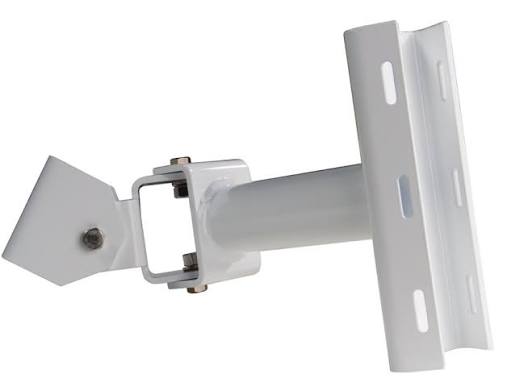
A sensor installation includes more than the roadside detector. This category brings together SmartSensor products, cabinet interfaces, communication modules, mounting equipment and cables. Define the detection requirement first, then identify how the selected sensor will connect to the cabinet and pass information to the controller or network.
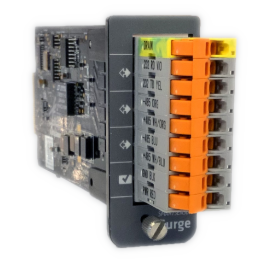
The Click range contains different functions. Click 301 provides a serial-to-Ethernet interface, Click 304 converts between serial interfaces, and Click 104 or 112/114 provides contact outputs in different mounting formats. The Click 600 combines several sensor-support functions, with separate output devices identified in its documentation. These products should be selected by their role in the proposed arrangement.
Prepare the sensor models and count, cabinet layout, required output channels and cable routes. Confirm the connector and cable assembly for each sensor model, along with power, surge protection and mounting accessories. For upgrades, provide the existing part numbers so retained equipment can be considered before a replacement or expansion package is specified.
View Click 600 cabinet interface · View Click 104 contact outputs · Discuss Wavetronix equipment